Overview
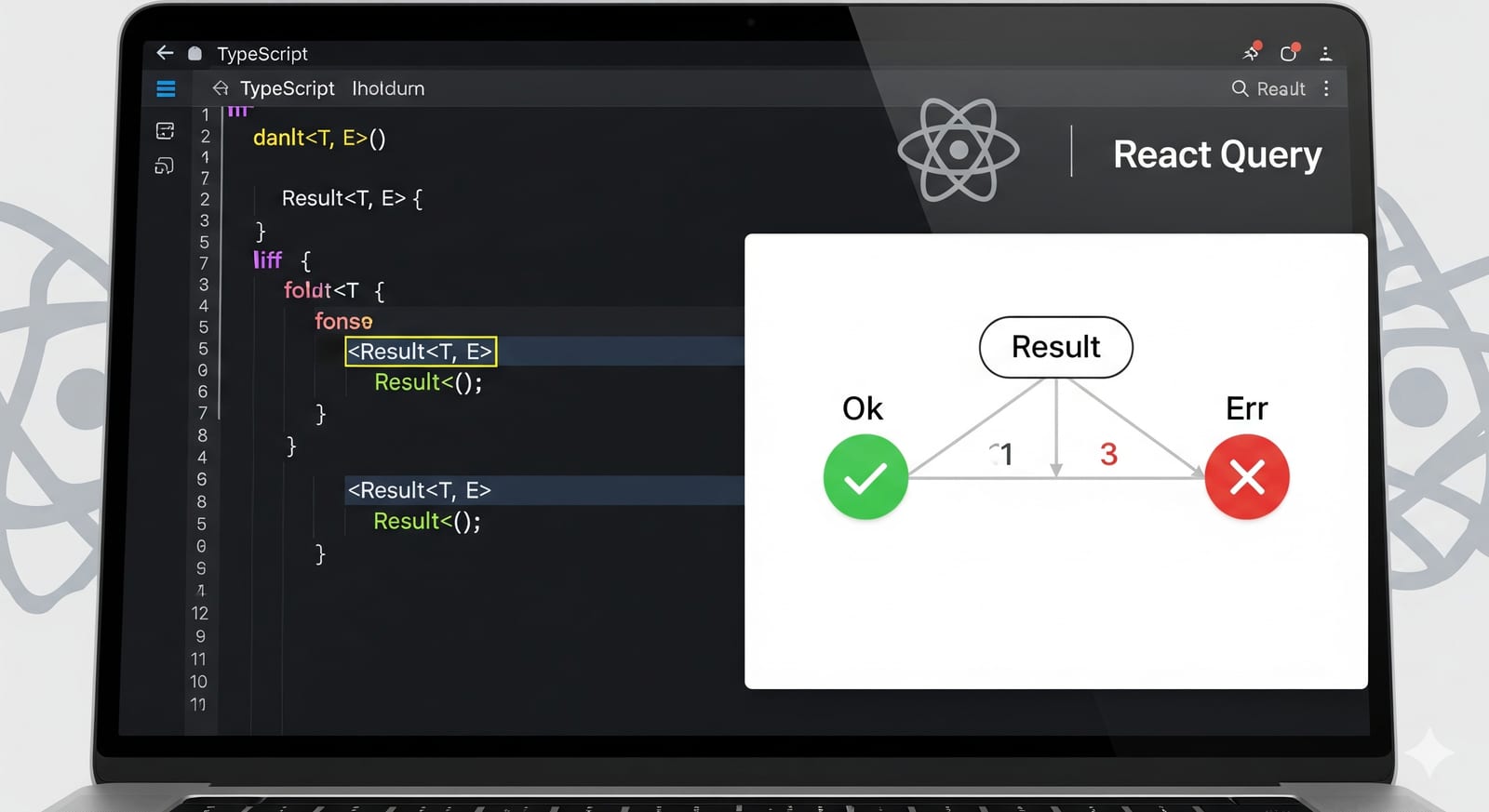
The Result Pattern is a functional programming approach to error handling that makes success and error states explicit in your type system. Instead of throwing exceptions, all operations return a Result<T, E> type that can either be Ok<T> (success) or Err<E> (error).
Core Result Types
export type Ok<T> = {
  type: "ok";
  value: T;
};

export type Err<E> = {
  type: "err";
  error: E;
};

export type Result<T, E = Error> = Ok<T> | Err<E>;

// Helper constructors
export const ok = <T>(value: T): Ok<T> => ({
  type: "ok",
  value,
});

export const err = <E>(error: E): Err<E> => ({
  type: "err",
  error,
});
Benefits of the Result Pattern
- Explicit Error Handling: Errors become part of the type system
- Type Safety: TypeScript ensures you handle both success and error cases
- Composability: Results can be chained and transformed safely
- No Hidden Exceptions: All failure modes are visible in the API
- Better Testing: Easier to test both success and failure paths
API Design with Result Pattern
Service Layer Example
// types.ts
interface User {
  id: string;
  name: string;
  email: string;
}

interface ApiError {
  message: string;
  code: string;
  statusCode: number;
}

// userService.ts
class UserService {
  async fetchUsers(): Promise<Result<User[], ApiError>> {
    try {
      const response = await fetch("/api/users");

      if (!response.ok) {
        return err({
          message: "Failed to fetch users",
          code: "FETCH_ERROR",
          statusCode: response.status,
        });
      }

      const users: User[] = await response.json();
      return ok(users);
    } catch (error) {
      return err({
        message: "Network error occurred",
        code: "NETWORK_ERROR",
        statusCode: 0,
      });
    }
  }

  async fetchUserById(id: string): Promise<Result<User, ApiError>> {
    try {
      const response = await fetch(`/api/users/${id}`);

      if (response.status === 404) {
        return err({
          message: "User not found",
          code: "USER_NOT_FOUND",
          statusCode: 404,
        });
      }

      if (!response.ok) {
        return err({
          message: "Failed to fetch user",
          code: "FETCH_ERROR",
          statusCode: response.status,
        });
      }

      const user: User = await response.json();
      return ok(user);
    } catch (error) {
      return err({
        message: "Network error occurred",
        code: "NETWORK_ERROR",
        statusCode: 0,
      });
    }
  }
}
React Query Integration
Direct Integration Approach
The key insight is that with Result Pattern, your API always returns HTTP 200 (success), and the actual success/error state is encoded in the Result<T, E> type within the response data.
import { useQuery, useMutation, useQueryClient } from "@tanstack/react-query";
import { match } from "ts-pattern";

// Direct React Query usage
export const useFetchUsers = () => {
  return useQuery({
    queryKey: ["users"],
    queryFn: () => userService.fetchUsers(), // Returns Promise<Result<User[], ApiError>>
    // No need for error handling here - Result pattern handles it
  });
};

export const useFetchUserById = (id: string | undefined) => {
  return useQuery({
    queryKey: ["users", id],
    queryFn: () => userService.fetchUserById(id!),
    enabled: !!id,
  });
};
Mutation Example
export const useCreateUser = () => {
  const queryClient = useQueryClient();

  return useMutation({
    mutationFn: (userData: CreateUserRequest) =>
      userService.createUser(userData),
    onSuccess: (result) => {
      // Handle result using ts-pattern
      match(result)
        .with({ type: "ok" }, ({ value: user }) => {
          // Success case
          console.log("User created:", user.name);
          queryClient.invalidateQueries({ queryKey: ["users"] });
        })
        .with({ type: "err" }, ({ error }) => {
          // Error case
          console.error("Creation failed:", error.message);
        })
        .exhaustive();
    },
  });
};
Component Usage with ts-pattern
Basic Component Example
import React from 'react';
import { match } from 'ts-pattern';
import { useFetchUsers } from './hooks/userQueries';

export const UserList: React.FC = () => {
  const { data: usersResult, isLoading } = useFetchUsers();

  if (isLoading) {
    return <div>Loading...</div>;
  }

  // usersResult is Result<User[], ApiError> | undefined
  if (!usersResult) {
    return <div>No data</div>;
  }

  return match(usersResult)
    .with({ type: "ok" }, ({ value: users }) => (
      <div>
        <h2>Users ({users.length})</h2>
        <ul>
          {users.map(user => (
            <li key={user.id}>
              {user.name} - {user.email}
            </li>
          ))}
        </ul>
      </div>
    ))
    .with({ type: "err" }, ({ error }) => (
      <div>
        <h2>Error Loading Users</h2>
        <p>{error.message}</p>
        {error.code === 'NETWORK_ERROR' && (
          <button onClick={() => window.location.reload()}>
            Retry
          </button>
        )}
      </div>
    ))
    .exhaustive();
};
Component with Specific Error Handling
export const UserProfile: React.FC<{ userId: string }> = ({ userId }) => {
  const { data: userResult, isLoading } = useFetchUserById(userId);

  if (isLoading) {
    return <div>Loading user...</div>;
  }

  if (!userResult) {
    return <div>No data</div>;
  }

  return match(userResult)
    .with({ type: "ok" }, ({ value: user }) => (
      <div>
        <h1>{user.name}</h1>
        <p>Email: {user.email}</p>
        <p>ID: {user.id}</p>
      </div>
    ))
    .with({ type: "err", error: { code: "USER_NOT_FOUND" } }, () => (
      <div>
        <h2>User Not Found</h2>
        <p>The user with ID {userId} does not exist.</p>
      </div>
    ))
    .with({ type: "err", error: { code: "NETWORK_ERROR" } }, () => (
      <div>
        <h2>Connection Error</h2>
        <p>Please check your internet connection and try again.</p>
      </div>
    ))
    .with({ type: "err" }, ({ error }) => (
      <div>
        <h2>Error</h2>
        <p>{error.message}</p>
      </div>
    ))
    .exhaustive();
};
Form with Mutation
export const CreateUserForm: React.FC = () => {
  const [name, setName] = useState('');
  const [email, setEmail] = useState('');

  const { mutate: createUser, isPending } = useCreateUser();

  const handleSubmit = (e: React.FormEvent) => {
    e.preventDefault();

    createUser({ name, email }, {
      onSuccess: (result) => {
        match(result)
          .with({ type: "ok" }, ({ value: user }) => {
            alert(`User ${user.name} created successfully!`);
            setName('');
            setEmail('');
          })
          .with({ type: "err", error: { code: "VALIDATION_ERROR" } }, ({ error }) => {
            alert(`Validation Error: ${error.message}`);
          })
          .with({ type: "err" }, ({ error }) => {
            alert(`Error: ${error.message}`);
          })
          .exhaustive();
      },
    });
  };

  return (
    <form onSubmit={handleSubmit}>
      <div>
        <label>Name:</label>
        <input
          value={name}
          onChange={(e) => setName(e.target.value)}
          required
        />
      </div>
      <div>
        <label>Email:</label>
        <input
          type="email"
          value={email}
          onChange={(e) => setEmail(e.target.value)}
          required
        />
      </div>
      <button type="submit" disabled={isPending}>
        {isPending ? 'Creating...' : 'Create User'}
      </button>
    </form>
  );
};
Key Concepts
1. API Always Returns Success
With Result Pattern, your HTTP calls always return 200 OK. The success/failure is encoded in the Result type:
// API Response is always successful HTTP-wise
const response = await fetch("/api/users"); // Always 200 OK
const result: Result<User[], ApiError> = await response.json();

// The actual success/error is in the Result
match(result)
  .with({ type: "ok" }, ({ value }) => {
    // Handle successful data
  })
  .with({ type: "err" }, ({ error }) => {
    // Handle error case
  })
  .exhaustive();
2. No React Query Error States
Since the HTTP call always succeeds, React Query’s isError will rarely be true. All your error handling happens through pattern matching on the Result type:
const { data: result, isLoading } = useQuery({
  queryKey: ["users"],
  queryFn: fetchUsers, // Returns Result<User[], ApiError>
});

// isError will be false (HTTP succeeded)
// Real error handling is done via pattern matching on `result`
3. Hybrid approach: when to throw and when to return Result.err
There’s an explicit consequence of this design: if queryFn never throws, React Query treats every call as a success, never retries, and caches Result.err too. For domain errors (user not found, validation failed, business rule violated) this is desirable: you don’t want RQ to hammer the server three times because a user doesn’t exist, and caching the negative outcome for the same input is almost always the right thing.
For infrastructure errors, though, it’s wasteful: a network drop or a transient 5xx should be retried — and that’s exactly what React Query’s retry does by default, but only if queryFn throws.
The fix is a hybrid approach: throw on unexpected errors, return Result.err for domain errors.
async function fetchUser(id: string): Promise<Result<User, DomainError>> {
  let response: Response;
  try {
    response = await fetch(`/api/users/${id}`);
  } catch (e) {
    // Network failure: throw, let RQ retry
    throw e;
  }

  if (response.status >= 500) {
    // Infrastructure error: throw, let RQ retry
    throw new Error(`Server error: ${response.status}`);
  }

  if (response.status === 404) {
    // Domain error: return Result.err, no retry, cache the negative outcome
    return Result.err({ code: "USER_NOT_FOUND", message: "User not found" });
  }

  const user = await response.json();
  return Result.ok(user);
}
This lets you keep RQ’s built-in retries where they belong, while preserving type-level guarantees on domain errors.
4. Type Safety with ts-pattern
The ts-pattern library provides exhaustive pattern matching, ensuring you handle all cases:
// TypeScript ensures all cases are handled
return match(result)
  .with({ type: "ok" }, ({ value }) => {
    // Handle success - TypeScript knows `value` is User[]
  })
  .with({ type: "err" }, ({ error }) => {
    // Handle error - TypeScript knows `error` is ApiError
  })
  .exhaustive(); // Compiler error if any case is missing
Best Practices
- Consistent Error Types: Use a standardized error interface across your app
- Explicit Pattern Matching: Always use
match()with.exhaustive()for complete type safety - Specific Error Codes: Use meaningful error codes for different error handling
- Domain errors as data, infrastructure errors as exceptions: Return
Result.errfor expected negative outcomes; throw on genuinely unexpected failures (network, 5xx, timeouts) so you can leverage React Query’s retry mechanism - Early Pattern Matching: Handle Result types as close to the data source as possible
- Type Annotations: Be explicit about Result types in function signatures
Migration Strategy
- Start Small: Begin with one service/API endpoint
- Convert Services First: Update your service layer to return Result types
- Update Components: Replace try/catch with pattern matching
- Gradual Adoption: Migrate endpoints one by one
- Team Education: Ensure team understands the pattern before wide adoption
This approach provides explicit error handling, better type safety, and eliminates hidden exceptions while working seamlessly with React Query.
Comments
Loading comments...